
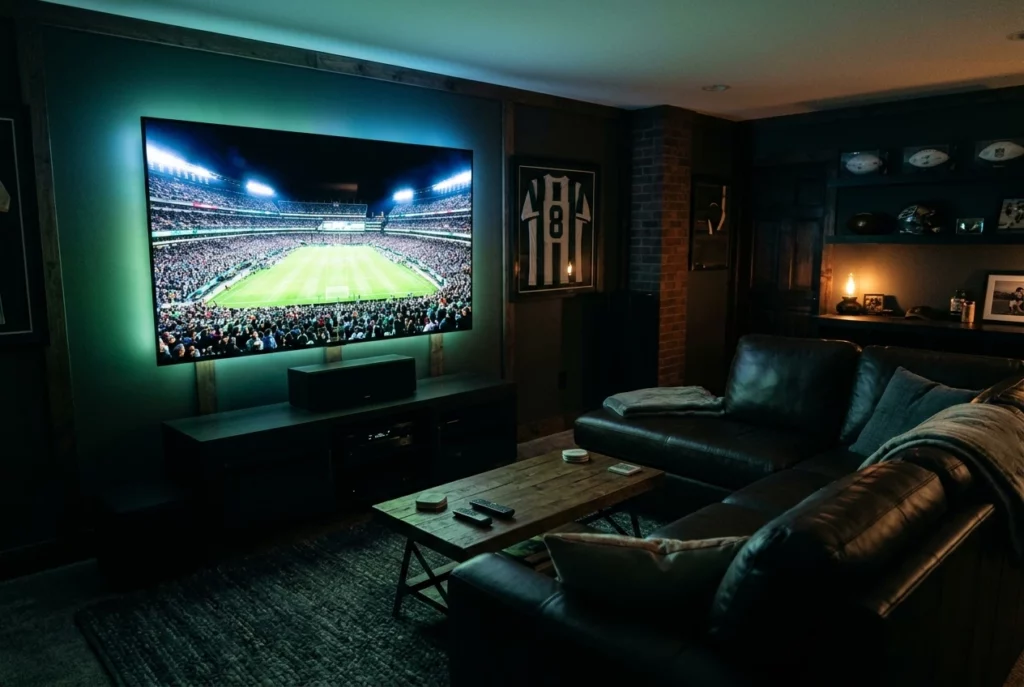
How to Pick a Surround Sound System for a Man Cave Built Around Game Day
Game day audio has to do two things at once: keep the announcers clear and make the crowd feel like it is in the room with you. Movie soundtracks are mixed in a studio with a planned balance between dialogue, music, and effects. A live broadcast is mixed on the fly, with a commentary booth, stadium microphones and a sudden roar after a touchdown all competing for the same speakers.
That is why the best surround sound system for a man cave is not always the one with the biggest spec sheet. This guide walks through the decision in the order that matters: your room, the speaker format, the gear tier, and what your broadcasts and consoles ask of the system.
Why game day audio is different from movie night
A film gives you long stretches of quiet followed by planned loud moments. A game gives you a steady wall of crowd noise with commentary sitting on top of it. If your system pushes the crowd too far forward, you lose the play-by-play. If it favors speech too heavily, the stadium goes flat, and the room feels like a TV in a den.
Three things matter more for sports than for most movies:
- Speech clarity. Commentary comes mostly from the center channel in a surround setup, so the quality of that speaker affects everything you hear from the booth.
- Ambient spread. Crowd sound is mixed to the side and rear channels. Surround speakers and, in larger formats, height speakers are what make a crowd feel like it is around you.
- Sustained volume without strain. Watching a four-hour game at a high level tires out a weak amplifier and tires out your ears if the sound is harsh.
Keep those three in mind as you read the rest. Every format and gear tier below is a different way of paying for them.
Start with your room: spare bedroom vs. garage acoustics
Your room shapes the sound more than most buyers expect, and it should settle your format before you look at a single product.
The spare bedroom
A spare bedroom is usually a small, rectangular space with drywall, a carpeted floor, and a bed or sofa that soaks up some sound. That is a friendly environment for surround audio. Reflections are short and manageable, and speakers do not need to be large to fill the space.
The main concern is bass. Low frequencies pass through walls and floors, and a bedroom often shares walls with other rooms. A smaller, well-controlled subwoofer usually suits this room better than a huge one. You also have less distance to work with, so very large tower speakers can overwhelm the seating area.
The garage
A garage tends to have hard, flat surfaces: a concrete floor, bare walls and a large garage door. Those surfaces reflect sound, which creates echo and makes commentary harder to understand. The big air volume also means you need more output to reach the same level at your seat.
Soft furnishings help a lot here. Rugs, a sectional, wall panels, and even sports memorabilia on the walls break up reflections. If you are still planning the overall look of the room, the expert tips for creating a sports-themed man cave cover decor choices that double as sound control. A garage door can also rattle with heavy bass, so check how loose panels respond once your subwoofer is in place.
A garage also tends to have more space for speaker placement, which makes the larger formats more realistic. A spare bedroom often rewards a simpler layout done well.
Soundbar, 5.1 or Atmos: which format fits your setup
The format names describe how many speakers you have and where they sit. The first number counts ear-level speakers, the second counts subwoofers, and a third number, when present, counts speakers aimed at or placed in the ceiling for height effects.
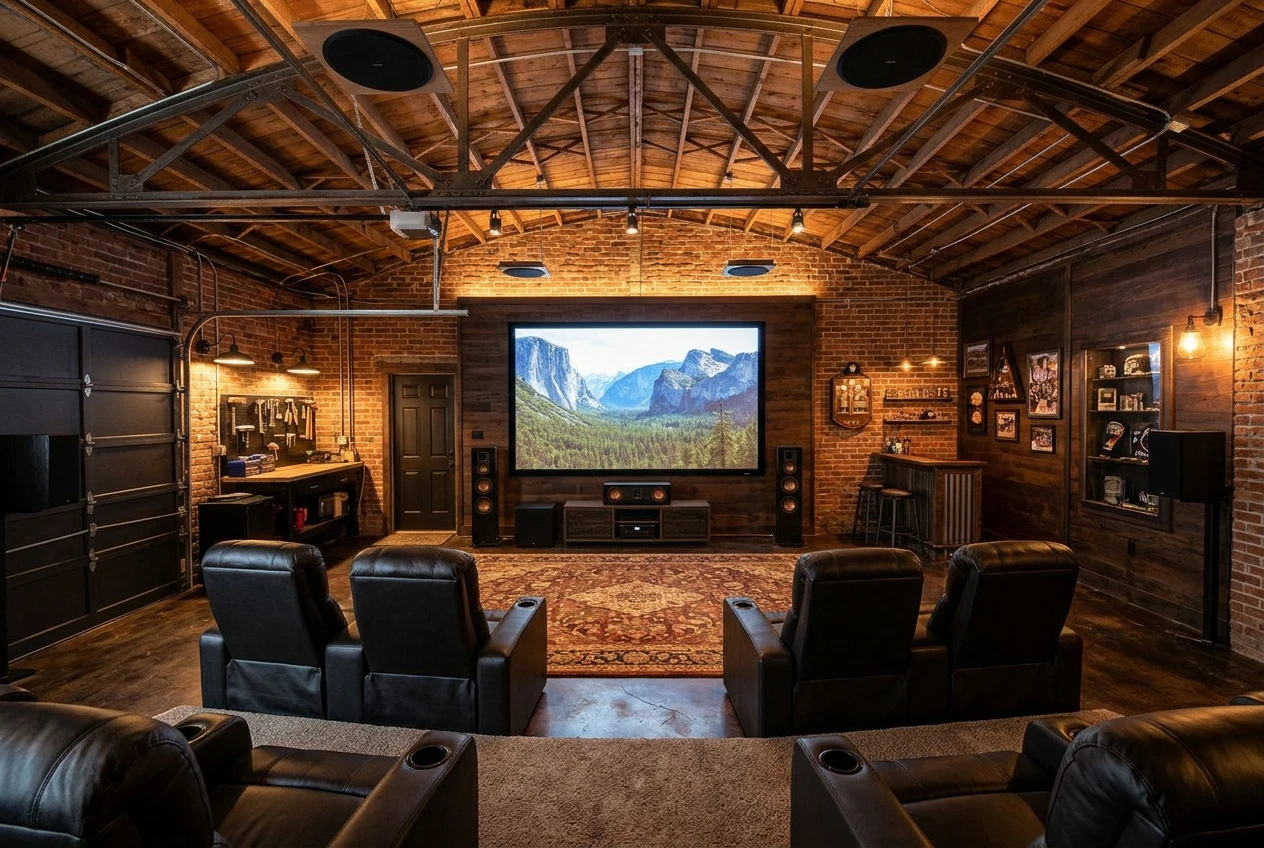
Soundbar
A soundbar is one long speaker under the screen, often paired with a separate subwoofer and sometimes with small rear speakers. It suits a compact spare room, a bedroom with limited wall space, or a buyer who wants a clean look. Look for a model with a dedicated center or dialogue channel, a way to adjust speech level, and an HDMI connection that works with your TV and consoles.
The tradeoff is spread. A soundbar can widen the sound, but it cannot place crowd noise behind you the way real rear speakers do. For a serious game day room with a big budget, it is usually a starting point rather than the destination.
5.1
A 5.1 system has a left, center, and right speaker in front, two surround speakers at the sides or rear, and one subwoofer. It is the classic format for good reason. It gives you a dedicated center speaker for commentary and real surround speakers for crowd ambience.
For many spare bedrooms and mid-size garages, 5.1 is the sweet spot. Spend your budget on better speakers and a better receiver instead of adding more channels you will not use.
7.1.4 Atmos
A 7.1.4 layout has seven ear-level speakers, one subwoofer, and four height speakers. Dolby Atmos is the format that uses those height speakers to place sounds above you. For sports, this matters when a broadcast or a game offers an Atmos mix, which not all do. Check what your streaming service, cable box, or console actually delivers before you build around it.
Atmos suits larger rooms, ideally with a ceiling that allows in-ceiling or upward-firing speakers. In a low-ceilinged spare room, the height effect may be limited and the cost harder to justify. In a tall, open garage build with a dedicated seating zone, it can make a stadium feel noticeably more convincing.
Receiver and speakers: the separates route for high-end builds
If your budget is real and you want the system to last through several screen upgrades, buying separates is the strongest route. That means an AV receiver, individual speakers and a subwoofer chosen on their own merits, instead of a boxed set.
The receiver is the hub. It takes the audio from your TV, console and streaming devices, processes it and powers the speakers. When comparing receivers, look for:
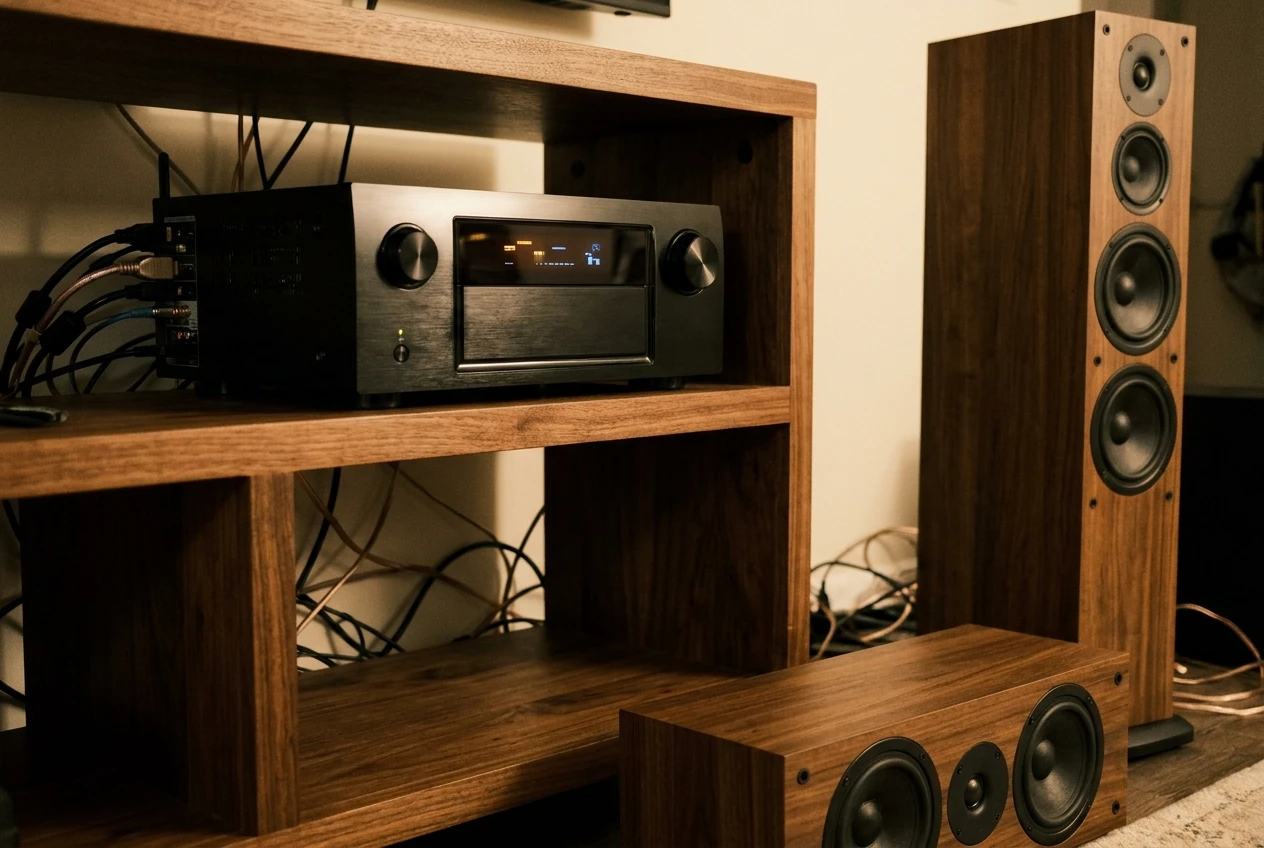
- Enough channels for the format you want now, plus room to grow. A receiver that handles 7.1.4 can run a simpler layout today and expand later.
- Enough HDMI inputs for every device you own, including a console, a streaming box and a cable or satellite box.
- Room correction software, which measures your room with a microphone and adjusts the sound. This is especially useful in a garage with hard surfaces.
- Support for the audio formats you plan to use, such as Dolby Atmos.
For speakers, put the most money into the front three, and particularly the center. It carries the commentary and most of the action you hear. A matched set from one manufacturer usually blends better than a mix, because the tonal character is consistent as sound moves around the room.
Buy the receiver with a power margin over what the speakers need. An amplifier working close to its limit sounds strained at the loud moments that sports produce constantly. Check each speaker’s recommended amplifier power and impedance rating against the receiver before you commit.
What to look for in commentary clarity and crowd sound
Specs will tell you very little here. Listening and adjustment tell you more.
For commentary clarity:
- A dedicated center speaker, positioned at ear height or angled toward the seats, is the single biggest improvement over a basic setup.
- Many receivers and soundbars include a dialogue enhancement or speech mode. Test it with a real broadcast. Some versions help a lot, and others make speech sound thin.
- Place the center speaker directly below or above the screen, not tucked into a cabinet where the sound is boxed in.
For crowd sound:
- Surround speakers set slightly behind or beside the main seating position create the sense of a stadium around you.
- Height speakers add the sense of sound coming from above, which suits big arena atmospheres.
- Keep the subwoofer balanced. The low rumble of a crowd and the thump of a drum line should add weight without hiding the announcers.
If you can, audition equipment with a recorded game rather than a movie scene. A dealer demo that plays film clips can hide the problem you care about most, which is whether a commentator stays intelligible while 70,000 people are loud. Playing a recent broadcast through a trial setup tells you far more.
Gaming consoles and your sound system: what to check before you buy
If a console lives in the man cave, it has to work with the audio chain as well as the broadcasts do. Most problems come from connections.
Check these before you buy:
- HDMI compatibility. Your receiver needs to pass through the video modes your console and TV use, such as 4K at 120 Hz where your console supports it. Confirm this in the receiver’s specifications and, if possible, its user reviews.
- Which device connects where. In many setups, the console plugs into the receiver, and the receiver sends video to the TV. In others, everything plugs into the TV and audio returns to the system over an ARC or eARC connection. Know which approach your gear supports.
- Audio format support. Some consoles can output surround formats, and some games take advantage of them. Look at your console’s audio settings and match them to what your receiver accepts.
- Input lag. Heavy audio processing can add delay. Many receivers and TVs have a game mode that reduces it, and some systems let you adjust lip-sync timing if audio and video drift apart.
Competitive sports games, such as football or basketball titles, depend on positional audio and clear crowd reactions. A 5.1 or larger setup with properly placed rear speakers makes those cues easier to hear, and a good center channel keeps in-game commentary clear.
Subwoofer placement and keeping the neighbors on your side
Subwoofer placement changes the sound in a room more than almost any other single adjustment. Bass behaves differently at different spots because of how sound waves interact with the walls and corners. A subwoofer in a corner generally sounds louder and heavier, while one along a wall or away from the corner can sound tighter but quieter.
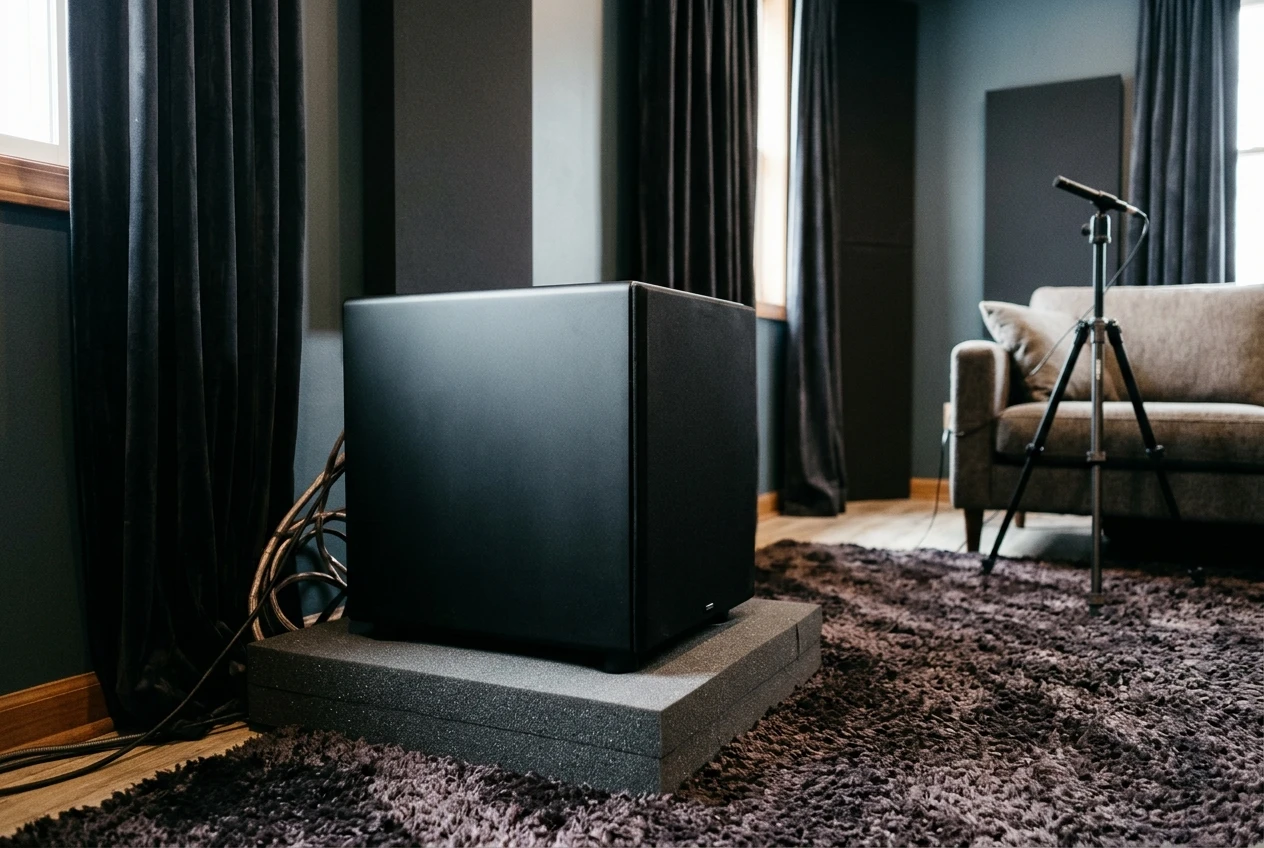
A practical way to place it:
- Put the subwoofer at your main seating position temporarily.
- Play bass-heavy material and walk the room, finding where the bass sounds smoothest.
- Place the subwoofer at the spot where you found the best sound, then run your receiver’s room correction.
If the room has a smooth, even bass response, you often need less volume to feel the impact. That helps with neighbors, since the lower the level you need, the less energy leaves the room.
Other steps help as well:
- Set the subwoofer on a thick pad or isolating platform to reduce vibration into the floor.
- Use the receiver’s night mode or dynamic range control for late games, which reduces loud peaks.
- Seal gaps around the garage door and any doors to the house, as air leaks let sound escape.
- Add thick curtains, rugs, or acoustic panels to absorb sound inside the room.
Bass carries through structure more than through the air. If your man cave shares a wall with a bedroom or sits under one, decoupling the subwoofer from the floor and keeping its level moderate matters more than any other step.
Matching your audio to the screen and seating you already have
The best audio design starts from the screen and the seats, since both affect speaker placement.
Screen size determines the front speaker layout. A large TV or projection screen needs front speakers spaced to match, with the left and right speakers roughly in line with the screen’s edges and the center speaker directly above or below. With a projector and an acoustically transparent screen, speakers can sit behind the screen, but this requires planning. If you have not settled on a display yet, the choice between a projector and a TV affects where your front speakers can go.
Seating determines the listening position. Surround speakers should sit roughly beside or just behind the main seats, and for a sofa or sectional the center of the seating row is your reference point. With tiered or theater-style seating, the back row needs surround speakers positioned so that people sitting there still get a clear stadium effect. Check that recliners do not push the back row too close to the rear wall, where bass builds up.
Before you buy, sketch the room. Mark the screen, the seats, the doors and the likely speaker positions. Measure the distance to the rear wall and the ceiling height. A drawing exposes problems that a product page cannot, such as a surround speaker with nowhere to mount or a subwoofer that blocks the doorway.
Choose your tier and see how audio fits the full build
A simple way to decide:
- Compact spare room, modest layout: a soundbar with a dedicated dialogue channel and a subwoofer, with rear speakers if the model offers them.
- Most spare bedrooms and mid-size garages: a 5.1 system built around a strong center speaker and a receiver with room correction.
- Large garage or dedicated room with height to spare: a 7.1.4 Atmos system from separates, with a receiver that has headroom for future upgrades.
Audio is one part of a bigger build that also includes the screen, seating, lighting and the bar. To see where it fits alongside everything else, work through the Ultimate Mancave Checklist, which covers more than 30 ideas for the full room. From there, pick the system tier that matches your room and budget. Any gear links on this site may be affiliate links, which means a commission may be earned at no extra cost to you, as explained on the Affiliate Disclosure page.